Context7 MCP: How to Give Your AI Fresh Documentation

- Published on
You know that feeling when your AI suggests code using a method that was deprecated three versions ago? Yeah, me too. Let's fix that.
The Problem: AI Knowledge Has an Expiration Date
AI models are trained on data up to a certain point in time. Claude's knowledge cutoff means it might not know about the latest React hooks, the newest Express.js features, or that breaking change in your favorite library.
It's like asking a friend who's been living in a cave for two years about the latest tech trends. They mean well, but their advice might be... outdated.
Enter Context7
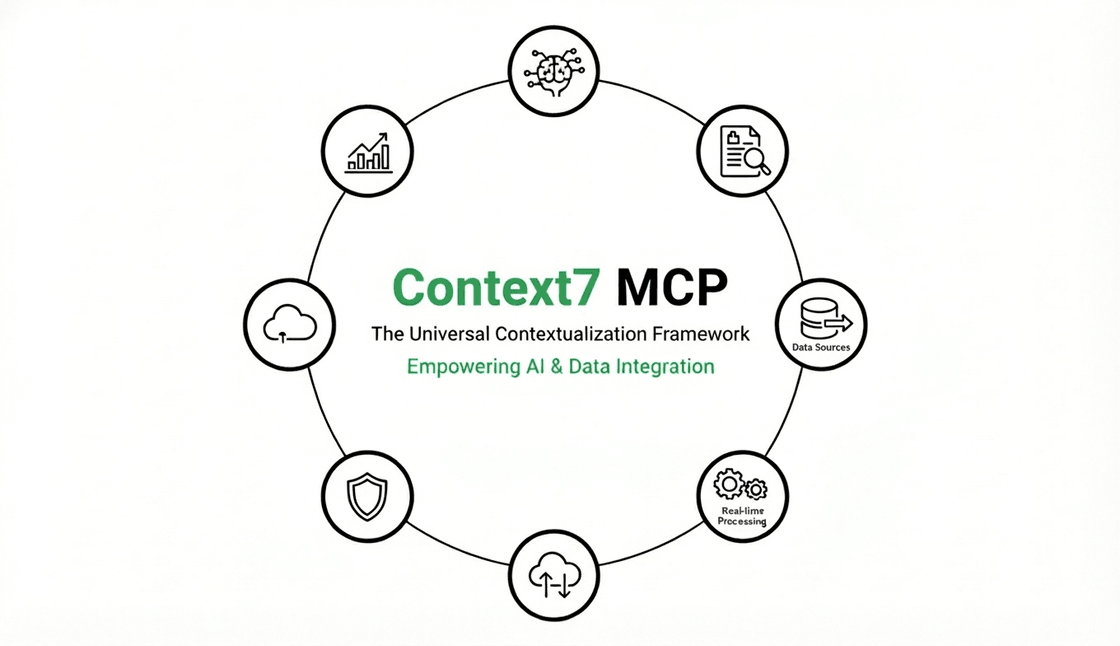
Context7 is an MCP server that gives your AI access to up-to-date documentation for hundreds of libraries. Instead of relying on training data, Claude can fetch the actual current docs and use them to generate accurate, modern code.
If you're not familiar with MCP, check out my article on What is MCP first.
How Does It Work?
Context7 maintains a curated database of documentation from popular libraries. When you ask Claude about a specific library, it can:
- Search for the library in Context7's database
- Fetch the relevant documentation
- Use that fresh knowledge to answer your question
No more "this method was removed in version 4.0" surprises.
Setting It Up with Claude Code
Installing Context7 is ridiculously simple. One command:
claude mcp add --transport http context7 https://mcp.context7.com/mcp
That's it. You've just given Claude access to documentation for Express.js, React, Next.js, MongoDB, and hundreds of other libraries.
To verify it's installed:
claude mcp list
You should see context7 in the list. If it's there, you're ready to go.
Using Context7 in Practice
Here's where the magic happens. Let's say you want to create a REST API with Express.js. Instead of hoping Claude remembers the current syntax, you can be explicit:
claude "create a REST API with Express.js that has CRUD endpoints for a 'books' resource, use Context7 for the latest Express docs"
Claude will:
- Query Context7 for Express.js documentation
- Get the current best practices and syntax
- Generate code that actually works with the latest version
A Real Example: Building a Simple API
Let me show you what this looks like in practice. I asked Claude Code to create an Express API using Context7:
The Prompt:
create an Express.js API with a /health endpoint and a /users endpoint that returns a list of users, use Context7 MCP for documentation
What Claude Generated:
const express = require('express');
const app = express();
const port = 3000;

// Middleware to parse JSON
app.use(express.json());

// Mock user data
const users = [
  { id: 1, name: 'Jon Snow', email: 'jon@winterfell.com' },
  { id: 2, name: 'Daenerys Targaryen', email: 'dany@dragonstone.com' },
  { id: 3, name: 'Tyrion Lannister', email: 'tyrion@casterly.rock' }
];

// Health check endpoint
app.get('/health', (req, res) => {
  res.status(200).json({ status: 'healthy', timestamp: new Date().toISOString() });
});

// Get all users
app.get('/users', (req, res) => {
  res.json(users);
});

// Get user by ID
app.get('/users/:id', (req, res) => {
  const user = users.find(u => u.id === parseInt(req.params.id));
  if (!user) {
    return res.status(404).json({ message: 'User not found' });
  }
  res.json(user);
});

app.listen(port, () => {
  console.log(`Server running at http://localhost:${port}`);
});
Clean, modern Express.js code following current conventions. No deprecated methods, no outdated patterns.
Pro Tips
1. Be Specific About the Library
Instead of just mentioning "use Context7", specify which library docs you need:
use Context7 to get the latest MongoDB Node.js driver documentation
2. Combine Multiple Libraries
Need docs for both Express and Mongoose? Ask for both:
create an Express API with Mongoose models, use Context7 for both Express.js and Mongoose documentation
3. Ask About New Features
Context7 shines when you need information about recent releases:
what's new in Next.js 15? use Context7 MCP
What Libraries Does Context7 Support?
Context7 supports a wide range of libraries including:
- Frontend: React, Vue, Angular, Svelte, Next.js
- Backend: Express.js, Fastify, NestJS, Hono
- Databases: MongoDB, PostgreSQL, MySQL, Redis
- ORMs: Prisma, Drizzle, Mongoose, TypeORM
- And many more...
You can search for any library directly through Claude:
search Context7 for Prisma documentation
Limitations
Context7 is powerful, but it's not perfect:
- Documentation needs to be in their database (most popular libraries are covered)
- Very new libraries might not be indexed yet
- It works best with well-documented projects
Think of it as a really good library, not a magic crystal ball.
Conclusion
Context7 solves one of the most annoying problems with AI coding assistants: outdated knowledge. With one command, you give Claude access to fresh documentation for hundreds of libraries.
No more deprecated methods. No more "this doesn't work anymore" moments. Just clean, current code.
If you're using Claude Code for development (and you should be), Context7 is a must-have MCP server.
Want to understand more about MCP? Read my article on What is MCP and why it matters.
Ready to explore more MCP servers? Check out Smithery for hundreds of options.